 RankASO
App not showing in App Store search: check these in order
Read in: 日本語 · 简体中文 · Português · Español · Deutsch
If your app is live and a search does not show it, run five checks in this order: are you searching the storefront the app is actually indexed in; does your own name rank; is the store autocorrecting the term; is the term one the store filters entirely; and are you past position 200 rather than absent. Each check takes a minute, and four of the five are answered by a tracker that reads the neutral result per storefront, which is what RankASO does every morning for the terms you give it.
1. The storefront
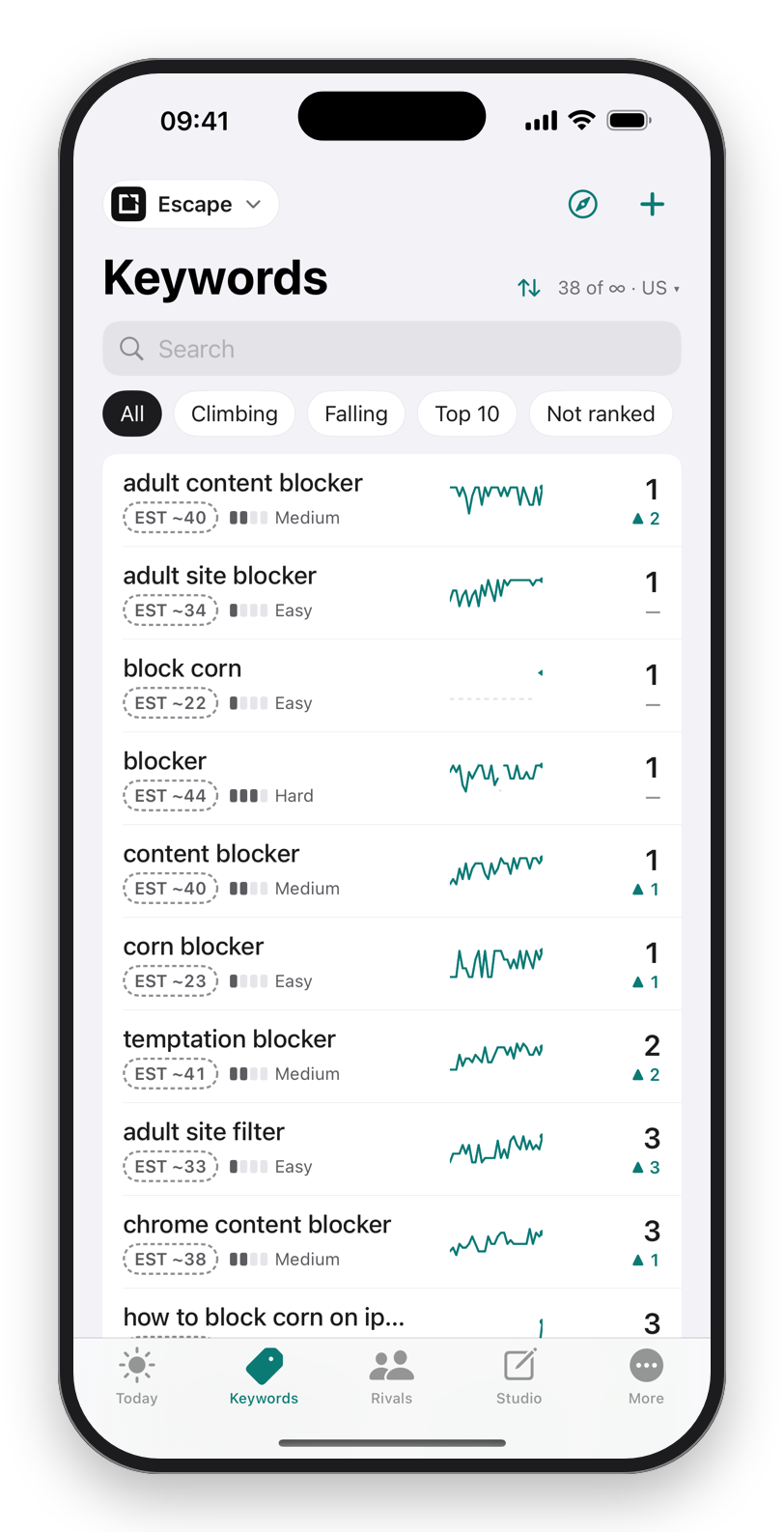
Search results are per country. An app that is number one in Canada can be absent from the first page in the United Kingdom, because the listing's words are read per locale and the competition differs. Check the storefront you expect users in, not the one your phone happens to be set to. RankASO tracks each term per storefront and World Check shows a term across many storefronts at once, so "where do I rank" becomes a table rather than a guess.
2. Your own name
Search the exact app name. If the name itself does not return the app on the first screen, the listing is not indexed yet, or the name is shared with something bigger. A new version can take hours to be searchable; a new app can take a day. A name that is also a common word or a game title competes with that word. For our own app Escape, the brand word on its own sits among escape-room games, so we track a distinctive brand phrase instead and keep the name-plus-category words that hold number one.
3. Autocorrect and completions
The store corrects some terms and completes others. Type the first word of your term in the search field and watch what it offers. If it completes to a different phrase, that phrase is what people search, and it is the one to track and to put in the listing. If it corrects a made-up or compound word to something else, nobody is finding you with the word as you wrote it.
4. Filtered terms
Some explicit terms return nothing from search at all, for every app. That is not a rank of zero; it is a term the store does not serve. A tracker that shows an empty result as "unranked" misleads you into chasing it. RankASO shows such a term as filtered, so you stop spending characters on it and put them into the phrases around it that do get served.
5. Past 200 is not absent
The first page of results is ten apps. Position 40 is invisible to a human searching, but it is a rank, and a rank at 40 is a term you can move with one better word. A tracker that reads to position 200 draws the line between "far down" and "not indexed for this term at all". Those two need different fixes: far down means a listing change; not indexed means the term's words are not in your listing in that locale.
What to do once you know
- Wrong storefront: add the storefront to tracking and, if it matters, the locale's keyword field.
- Name not ranking: wait a day for a new app; for a shared name, track a distinctive brand phrase.
- Autocorrected: track and target the phrase the store completes.
- Filtered: drop the term; track the served phrases around it.
- Past 200: the term's words into the subtitle or field, one change per version, baseline recorded, review at two weeks.
Download on theApp StoreFree to start. No account. Data Not Collected.
Questions
Why does my app not appear when I search its name?
Either the listing is not indexed yet (hours for a version, up to a day for a new app) or the name is shared with a bigger app or a common word. Track a distinctive brand phrase alongside the name.
Why does my app show in one country and not another?
Ranks are per storefront, and each storefront reads its own locale's name, subtitle and keyword field against its own competition. Track the storefronts you care about separately.
Can an app be invisible for a term even with the right keywords?
Yes, if the term is one the store filters, or if the words are in a locale's field that the storefront does not read. RankASO marks filtered terms and shows ranks per storefront so both are visible.